

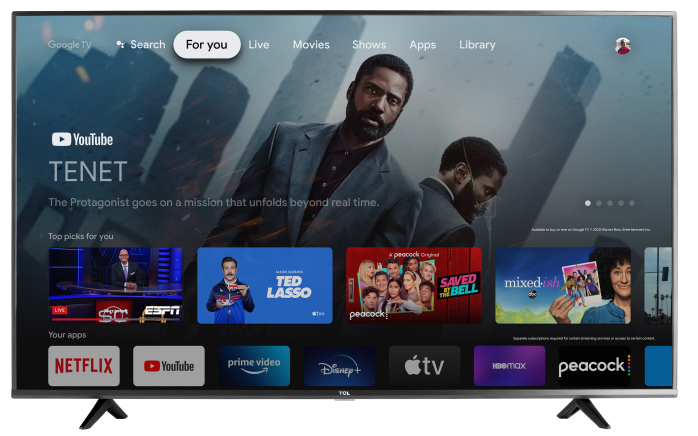

If your TCL Google TV is displaying the wrong language, you can update it in the Settings menu:
Steps to change the language
- Press the Home button on your remote.
- Select Settings.
- Go to System.
- Select Language.
- Choose your preferred language from the list.
What this changes
Changing the language updates the TV’s on-screen menus and settings. Some app content may still use its own separate language settings.
If you do not see the Language option
Menu layout can vary slightly depending on your model and software version. If you do not see Language right away, check under System or Device Preferences.
If the TV is set to a language you cannot read
Look for the gear icon to open Settings, then go to System or and select Language. You can also change the language during the initial TV setup.