

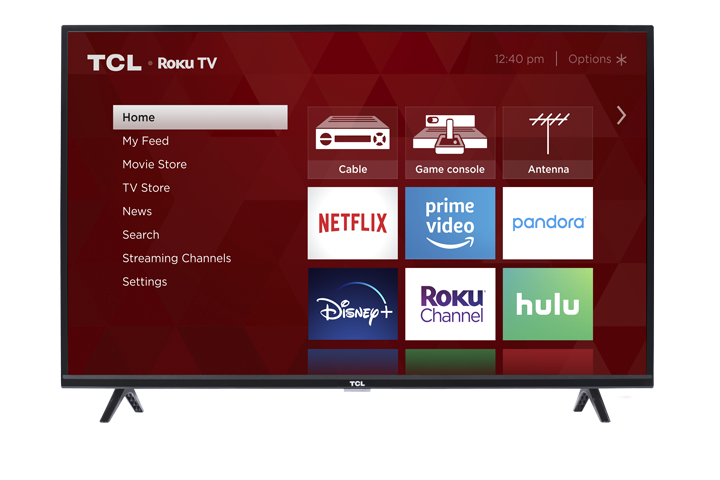

The Sleep Timer automatically turns your TV off after a set amount of time. This is helpful if you like to fall asleep with the TV on, or if you want to save power.
TCL Roku TV – Using the Sleep Timer
There are two common ways to use the Sleep Timer on a TCL Roku TV: from the Options menu or from Settings.
Option 1: Using the Options (*) Button
- Turn on your TCL Roku TV.
- While watching TV (live TV, streaming, or an app), press the * (Options) button on your remote.
- Scroll down to Sleep timer.
- Choose a time (for example, 30 minutes, 1 hour, 2 hours, etc.).
- The TV will turn off automatically after the time you selected.
Option 2: Using the Settings Menu
- Press Home on your Roku remote.
- Scroll and select Settings.
- Go to System.
- Select Time (on some models) and then Sleep timer.
- Choose your desired time.
To turn the Sleep Timer off:
Repeat the steps above and set the Sleep Timer to Off.
Tips & Common Questions
Will the Sleep Timer stop my streaming show?
Yes. When the Sleep Timer runs out, your TV will power off, which will stop any video or audio that’s playing.
Can I use the Sleep Timer every night?
Yes. Just set the time each night before bed or adjust it whenever needed.
My TV didn’t turn off at the right time. What should I do?
Make sure the Sleep Timer is set on the TV itself (not just in a cable box or streaming device).
Double-check the timer setting and confirm it isn’t set to Off.
Power cycle the TV (turn it off and unplug it for 1–2 minutes, then plug it back in) and set the Sleep Timer again.
If you still have issues using the Sleep Timer on your TCL TV, please contact TCL Support with your TV model number and operating system for additional help.