

Press the “*” key on the remote controller four times to turn the TTS audio guide on or off.
Or
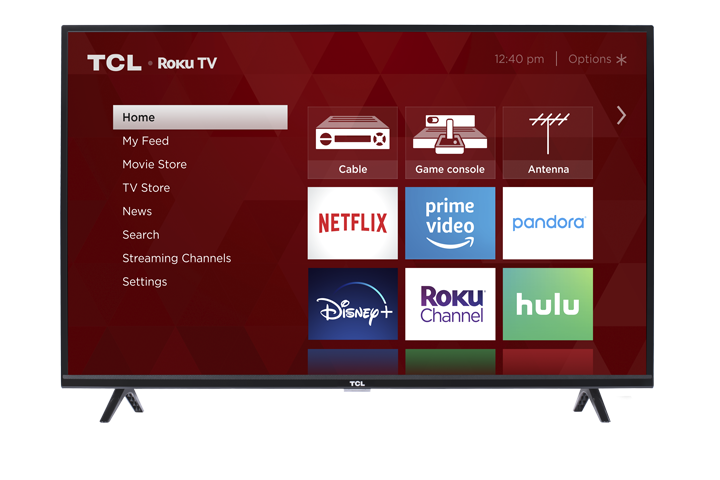
1. Select “Settings” at home screen
2. Select “Accessibility”
3. Select “Audio Guide” and turn it on or off
Press the “*” key on the remote controller four times to turn the TTS audio guide on or off.
Or
1. Select “Settings” at home screen
2. Select “Accessibility”
3. Select “Audio Guide” and turn it on or off