

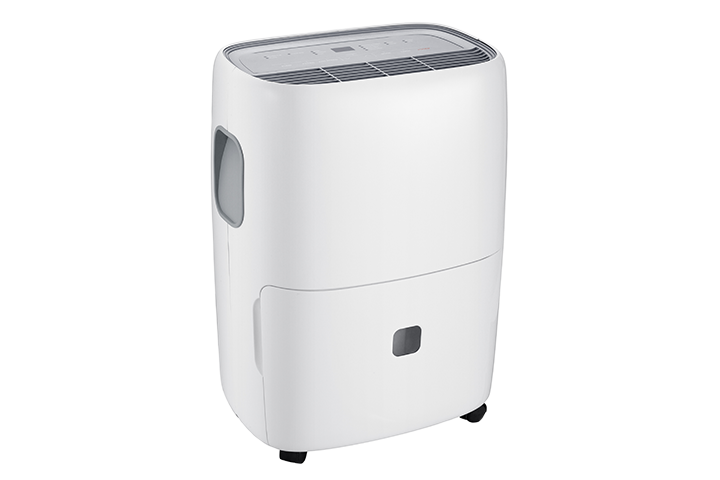

If your dehumidifier is running but the bucket stays empty, the issue is usually settings, temperature/humidity conditions, airflow, or drainage setup. Use the steps below to narrow it down.
Before You Start
- Make sure the unit is on a flat, level surface.
- If you’ll clean or inspect anything, turn the unit off and unplug it.
Step 1: Confirm It Should Be Collecting Water
- A dehumidifier won’t pull much water if conditions aren’t right.
- Check room humidity: If the room is already low humidity (often below ~50–55%), it may collect very slowly.
- Check temperature: Many dehumidifiers collect less water in cool rooms. If the room is below ~65°F (18°C), efficiency can drop and some units may start to frost up.
- Tip: Set your target humidity to 45–50% and test for a few hours with doors/windows closed.
Step 2: Check the Settings
- Humidity set too high: Lower the setting (example: set to 45%).
- Fan-only mode: Make sure the unit is in Dehumidify mode (not fan-only, laundry/ion-only, etc. depending on model).
- Timer/Schedule: Confirm a timer isn’t turning it off or limiting run time.
Step 3: Verify the Bucket and Safety Switch
- Most dehumidifiers will not collect water if the bucket isn’t seated correctly.
- Remove the bucket and reinsert it firmly.
- Make sure the bucket float (if present) moves freely.
- Check that the “Bucket Full” light is not on.
- If the unit runs but never fills: a misaligned bucket or float switch can prevent proper collection.
Step 4: Confirm Drain Setup (If Using a Hose)
- If you’re using continuous drain, water may be leaving through the hose instead of filling the bucket.
- Make sure the hose is attached securely.
- Confirm the hose runs downhill the entire way (no kinks or upward loops).
- Check for clogs at the drain port or hose end.
- Quick test: Remove the hose and reinstall the bucket, then run the unit to see if it starts collecting water.
Step 5: Improve Airflow
- Poor airflow can prevent moisture removal and reduce water collection.
- Clean the air filter (or replace if needed).
- Make sure intake/exhaust grills are not blocked.
- Leave clearance around the unit (at least 12–24 inches, or per your manual).
- Keep doors/windows closed while testing.
Step 6: Look for Frost/Icing
If coils frost over, the unit may stop collecting water effectively.
Signs:
- Ice/frost on the back coil area
- Weak airflow
- Reduced or no water collection
What to do:
- Turn the unit off and let it defrost completely.
- Run it in a warmer area and ensure the filter is clean.
- If frosting happens repeatedly at normal room temperatures, service may be needed.
Step 7: Run a Proper Test
To confirm operation:
- Place the unit in a humid area (bathroom after a shower works well).
- Set humidity to 35–45% (or the lowest setting).
- Close doors/windows.
- Let it run 2–4 hours.
- If it still collects no water at all, continue to the section below.
When to Contact TCL Support
Reach out for support if:
- The unit runs continuously but never collects water after testing in a humid room
- You hear unusual mechanical noises and performance is poor
- The unit repeatedly ices up in normal room temperatures
- There’s a leak that’s not related to the bucket or drain hose
- Error codes persist after power-cycling